Vega OS & Fire TV
Vega OS VPN Now Works: NordVPN and IPVanish
Earlier background: Vega OS VPN support — NordVPN and IPVanish prepare apps (16 Nov 2025). For step‑by‑step install and fixes, see our complete Vega OS VPN guide.
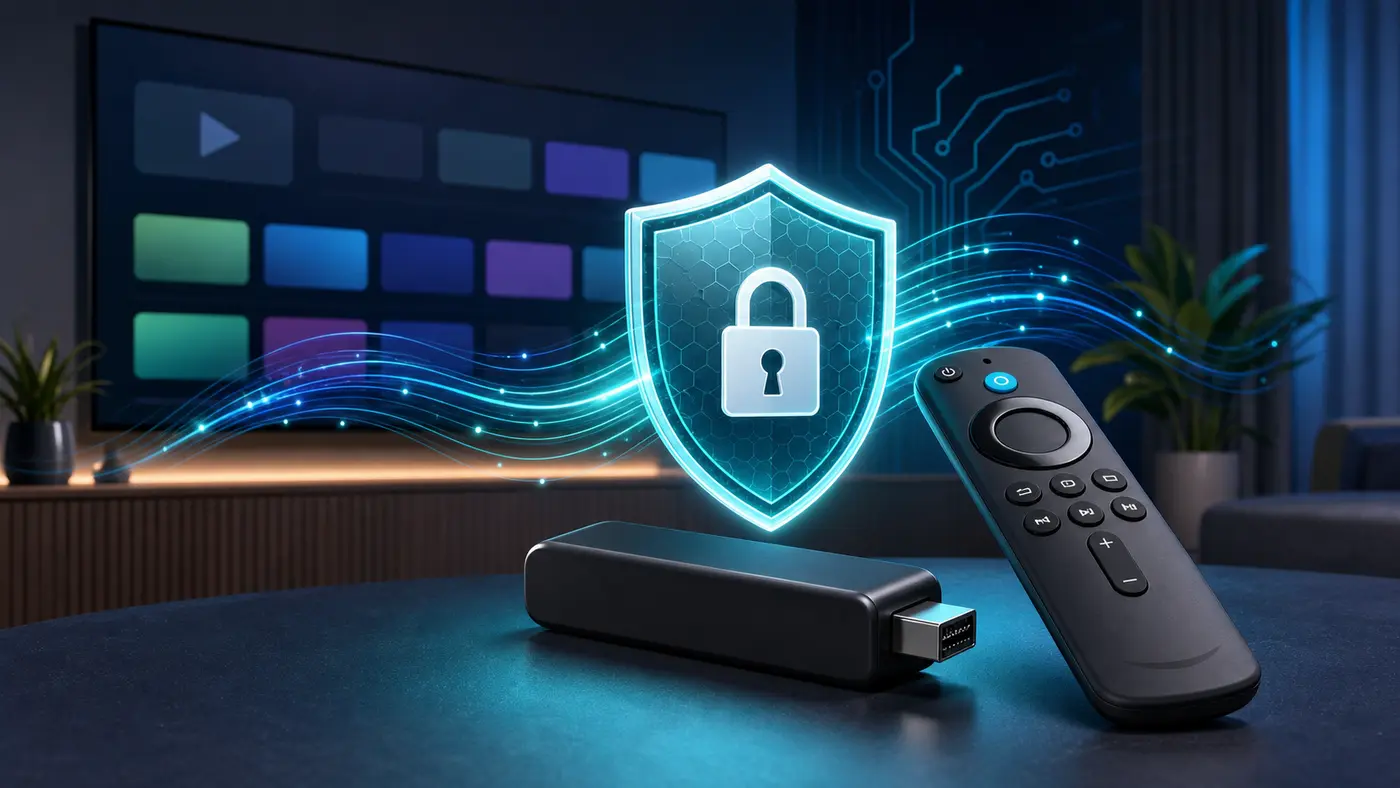
Amazon has shipped the Vega OS update that enables third‑party VPN protocols. NordVPN (NordLynx) and IPVanish (WireGuard) are now fully functional on the Fire TV Stick 4K Select via the Amazon Appstore.
What changed
- Vega OS now exposes VPN APIs to approved apps; users must grant a one‑time system permission when first connecting.
- Both VPNs provide system‑wide tunnelling for all apps (streaming/video, updates, background tasks).
- Connects are near‑instant and throughput is typically 75–100+ Mbps on decent broadband — enough for 4K streaming.
How to install
- Open the Amazon Appstore → search for NordVPN or IPVanish → Get.
- Open the app → sign in or start a trial → choose Quick Connect or a specific server.
- Approve the VPN permission dialog; return to your streaming app to test.
Streaming & performance notes
- If a service blocks an exit IP, switch to another server in the same region and relaunch the app.
- Prefer nearby servers for lower latency and higher bitrates; try the alternate protocol if needed.
- Wi‑Fi conditions often limit speed more than the VPN. Reduce interference or consider an Ethernet adapter.
Why it matters
- Vega OS is Amazon’s long‑term Fire TV platform. Native VPN support broadens the audience for the 4K Select and future devices.
- More providers are expected in 2026 (Surfshark has acknowledged active development).